How to Take a Photo for a Pet Portrait
To take a great photo for a pet portrait, shoot in soft daylight, get down to your pet's eye level and tap to focus on the eyes so they are tack sharp. A clear, close, unfiltered photo of your pet's face gives the best result, and a phone camera is all you need. Below you'll find step-by-step tips, plus advice for black dogs, cats, puppies, memorial photos and Pet + Owner portraits.
- Free instant preview, no account needed
- 2 free revisions, you approve before we print
- Printed in the USA, shipped with tracking
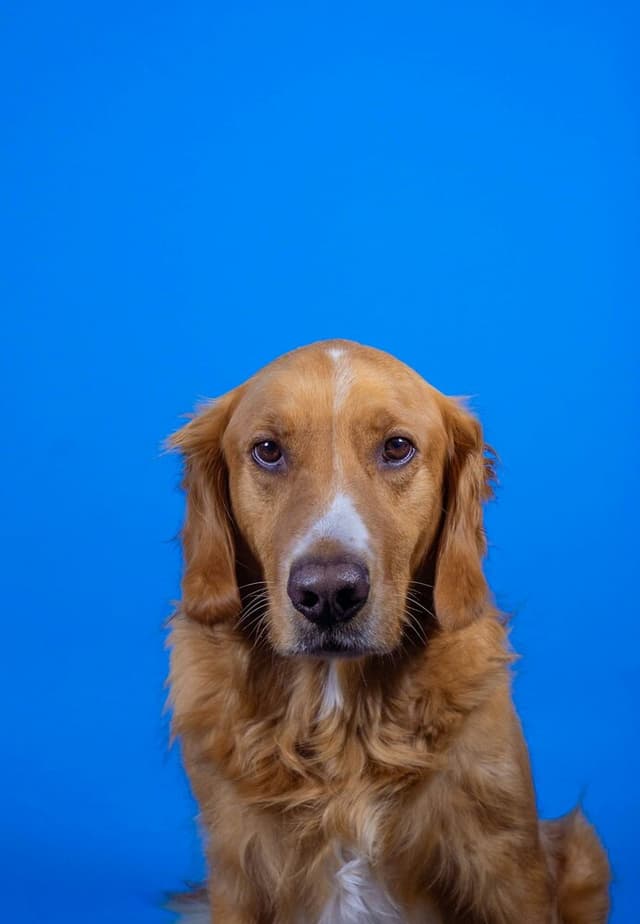
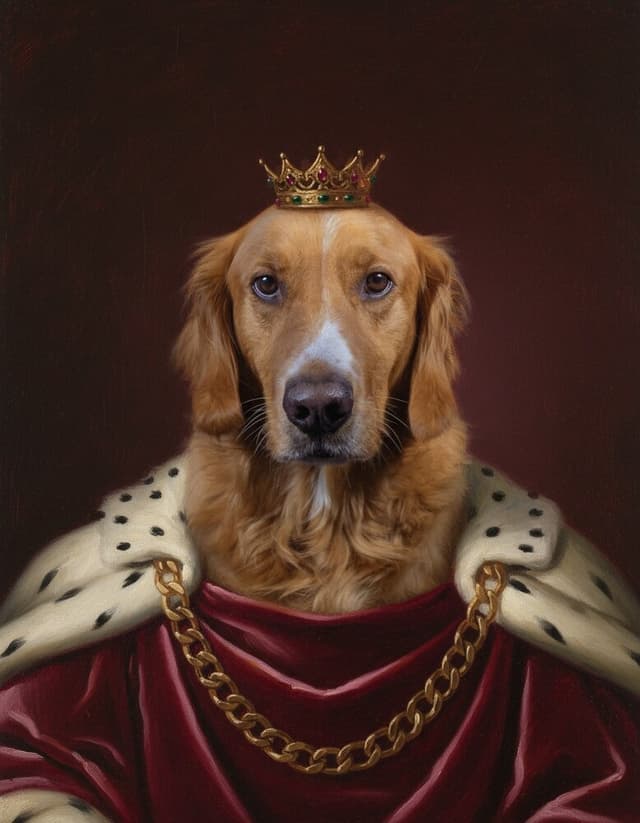
Example portraits
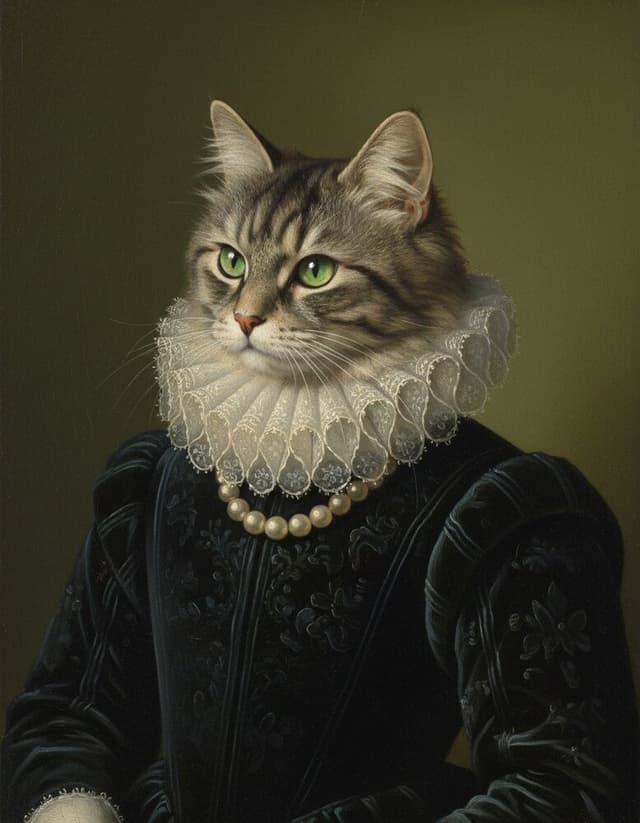
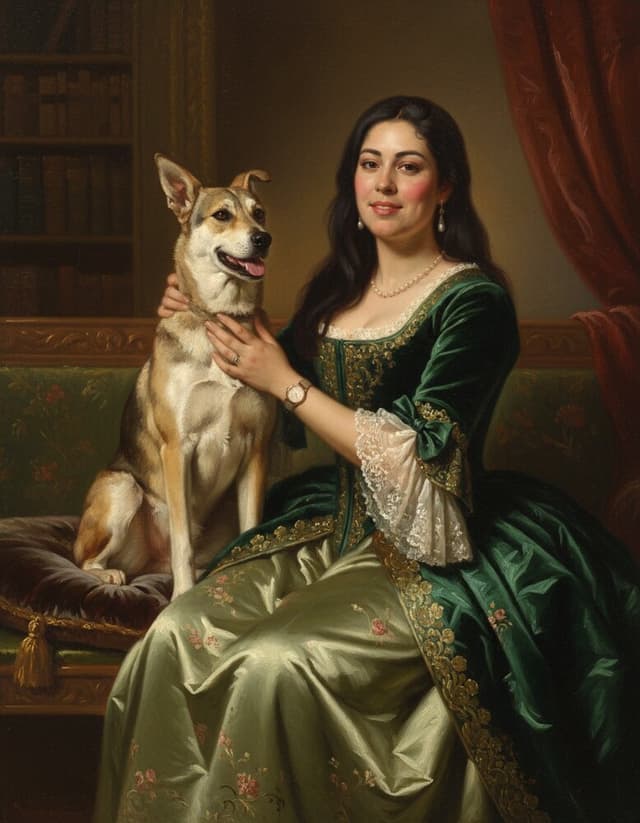
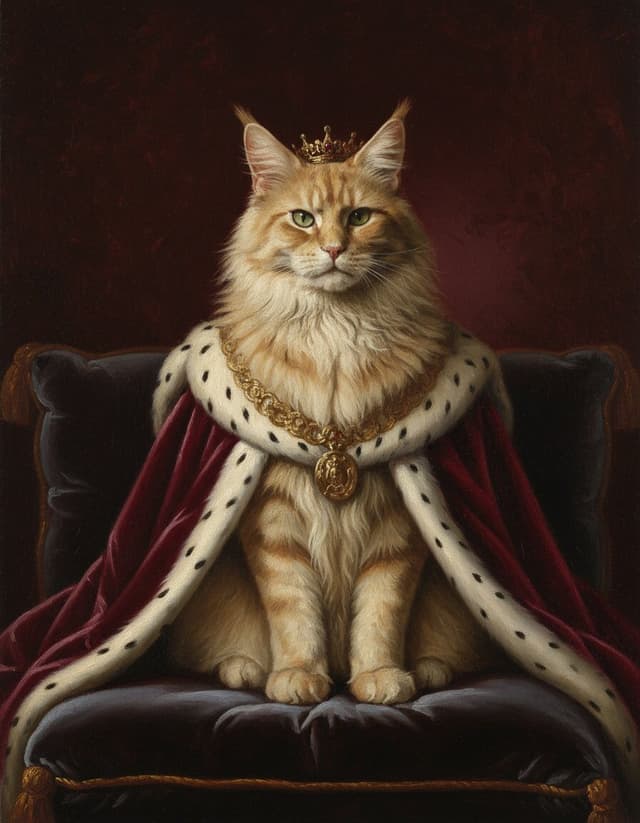
Example portraits made by Furever Canvas from sample photos. Your portrait is made from your own photo.
The 5 rules of a great pet portrait photo
Every portrait starts with the photo you upload. Our AI preview and our artist can refine a lot, but they can't invent detail that isn't in the picture, so these five rules make the biggest difference.
- Soft, natural light. Stand near a big window or step outside on a bright, overcast day. Avoid harsh midday sun, which creates squinting and hard shadows.
- Eye level. Crouch, sit or lie down so the lens is level with your pet's eyes. Photos taken from standing height make heads look big and bodies small.
- Sharp eyes. Tap your pet's eyes on the phone screen to set focus. If the eyes are sharp, the portrait feels alive.
- Fill the frame. Your pet's head and shoulders should take up at least half of the photo. Get closer rather than zooming in.
- One clear, unedited original. Upload the original file, not a filtered or cropped copy.
Phone camera tips that actually help
A recent smartphone is more than enough for a canvas up to 24x36 in. A few settings make it even better:
- Use the main 1x lens. Digital zoom throws away detail; walk closer instead.
- Turn off the flash and skip portrait mode if it blurs ears or fur edges.
- Wipe the lens with a soft cloth. A fingerprint smudge is the most common cause of hazy photos.
- Use burst mode (hold the shutter) and take 10 to 20 shots. Pets move, and one frame is usually perfect.
- Get attention with a treat, a squeaky toy or a sound held right above the lens, so your pet looks toward the camera.
- Upload in the highest quality your phone allows. If you send it from another device, choose "actual size" rather than a compressed version.
A helper makes this much easier: one person holds the treat behind the phone, the other takes the photos.
Photos to avoid
These are the photos that most often lead to a disappointing preview. If yours falls into one of these, try to find or take a better one first.
- Blurry or motion-smeared shots, especially with soft eyes or nose.
- Flash glare that turns eyes into glowing green or white dots.
- Heavy filters, beauty modes or color effects that change fur color.
- Screenshots of social media posts or videos, which are small and compressed.
- Far-away photos where your pet is a small figure in a big scene.
- Hidden faces: covered by a blanket, a hand, a toy or deep shadow.
- Odd angles, such as straight from above or from directly behind.
Accessories like collars and bandanas are fine, but remember the costume comes from the style you choose, so a plain photo usually works best.
Tips for black dogs, dark coats and cats
Black and dark-coated pets are the trickiest to photograph because the camera loses detail in the fur. Shoot in bright, indirect daylight, ideally outdoors in open shade or facing a window. Avoid dark backgrounds; a lighter wall or lawn behind your pet helps the camera expose correctly. If your phone allows it, tap the face and slide the brightness up slightly so the eyes and fur texture show.
Cats rarely pose on request, so work with their habits. Photograph them in a favorite sunny spot, on a windowsill or after a meal when they're relaxed. A feather toy held just above the lens will catch their eyes. Keep the room quiet and move slowly; many great cat photos happen in the first minute before they lose interest.
For cat-specific style ideas, see our custom cat portraits, and for dogs our custom dog portraits.
Puppies, kittens and wiggly pets
Young pets have two speeds: full energy and asleep. Aim for the moment in between.
- Play or walk for 10 to 15 minutes first, then take photos once they settle.
- Set them on a sofa or bench so you're at eye level without lying on the floor.
- Use burst mode and keep sessions short, about 5 minutes, then try again later.
- A slightly tilted head is charming, but make sure both eyes are visible and in focus.
Memorial portraits: older photos are OK
If your pet has passed away, you don't need a perfect new photo. Older phone photos, digital camera files and even scanned prints can work well, as long as the face is clear and reasonably sharp. Look for one where the eyes are visible and the face isn't covered.
- Search your phone, cloud backups and old messages for the original file rather than a social media copy.
- For printed photos, scan them or photograph them flat in daylight, straight on, with no glare from the glossy surface.
- If you have several options, use the free preview to compare them. You get 3 free previews per day.
Our pet memorial portraits page has gentle styles made for remembering a companion.
Photos for Pet + Owner portraits
For a Pet + Owner portrait, you upload two photos: one of your pet and one of you. They don't need to be taken together. Your own photo should show your face clearly, front-facing or slightly turned, in soft even light.
- Face a window or soft daylight so your face is evenly lit.
- Ask a friend to take the photo at eye level, or use the front camera with your arm fully extended.
- Keep sunglasses and hats off so your face is easy to read.
Kids' photo tips
Children follow the same rules as pets: soft light, eye level, sharp eyes and a close, front-facing shot. A natural smile works better than a forced grin, so chat with them or make them laugh while you take a burst. Avoid face paint, heavy shadows from caps and busy patterned clothing near the face. As always, kids' photos are used only to make the order and are never shown publicly. See our custom kids portraits for style ideas.
Check your photo with a free preview
The easiest way to know if a photo will work is to try it. Upload it, pick a style and see a free AI preview in about 20 seconds, with no account needed. If something looks off, try a sharper or closer photo. After you order, our artist refines the portrait by hand and emails a proof within 48 hours, and nothing is printed until you approve it. Start your free preview.
How it works
- Upload one photoA clear phone photo is enough. See a free AI preview in about 20 seconds, no account needed.
- Approve your proofAfter you order, our artist hand-finishes your portrait and emails a proof within 48 hours. Up to 2 changes are free.
- Hang it upWe print on gallery canvas over a solid wood frame in the USA and ship it with tracking.
Questions, answered
What resolution does my photo need to be?
Most recent phone photos are fine for every size. What matters most is that the original file is sharp, close and not a compressed screenshot.
Can I combine two photos into one portrait?
Most styles use one photo. The Pet + Owner and Royal Pair styles use two photos, one of each subject, and you can add a second pet to any style for +$25.
Does the background of my photo matter?
Not much, because the background comes from the style you pick. A plain, uncluttered background just makes your pet's outline easier to read.
My pet has passed and I only have a blurry photo. What can I do?
Try the free preview with your best few photos and compare. If the face is clear enough to recognize, our artist can often refine the proof, and you approve it before anything is printed.
Should I remove my dog's collar before the photo?
It's optional. A collar won't hurt the result, but a bare neck sometimes looks cleaner with royal robes or uniforms.
You might also like
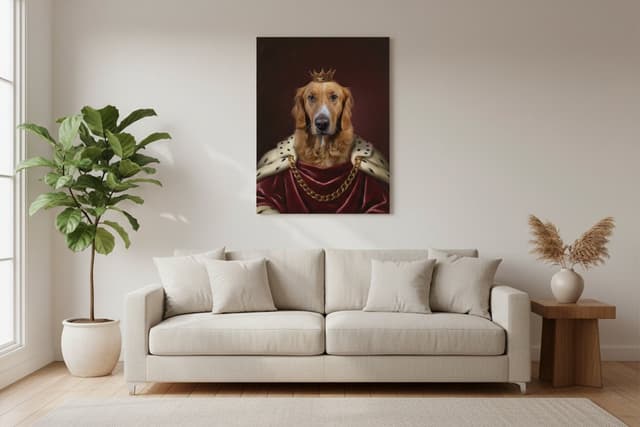
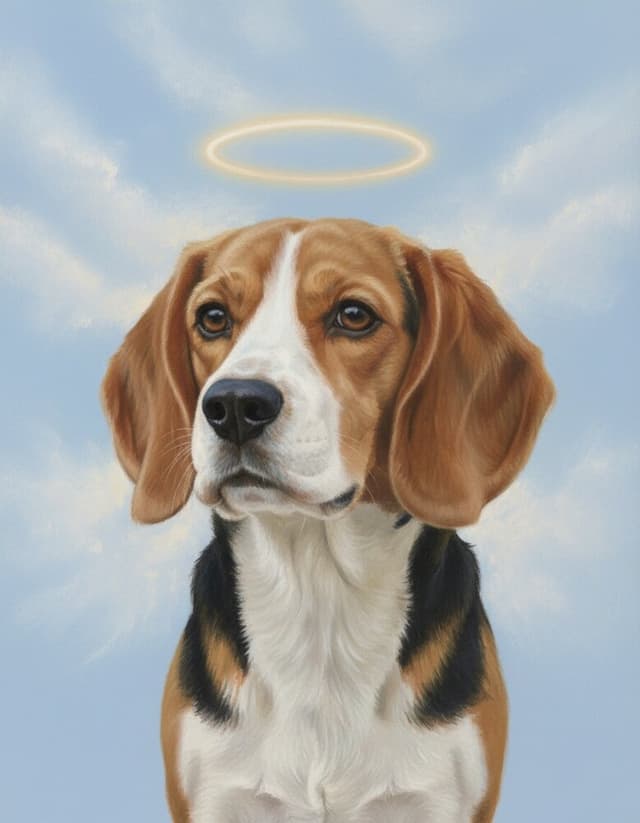
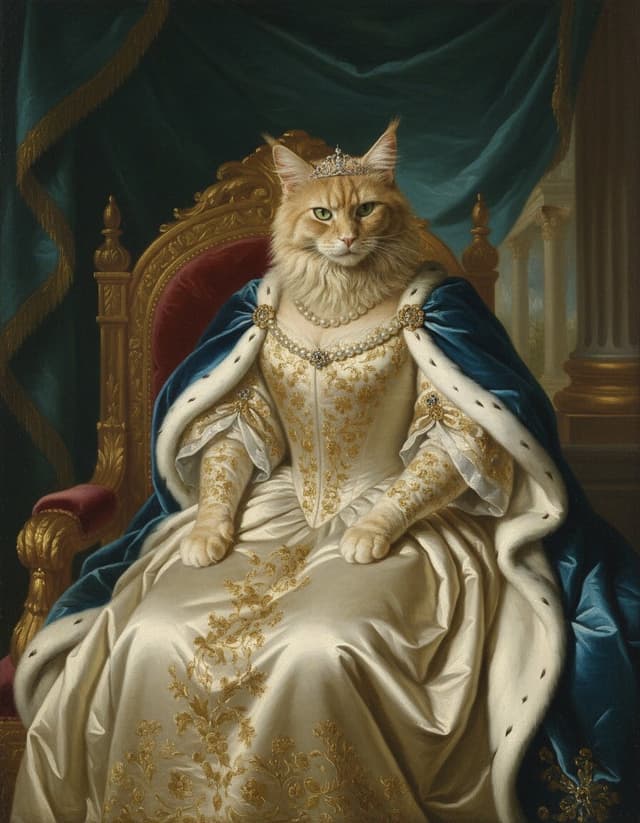
See your pet as a work of art
Upload one photo and get a free preview in about 20 seconds. Canvas from $59, printed in the USA.
Try a free preview